Wombat Transcribes
Widely Optimised
Machine Brain Assistive Technologies
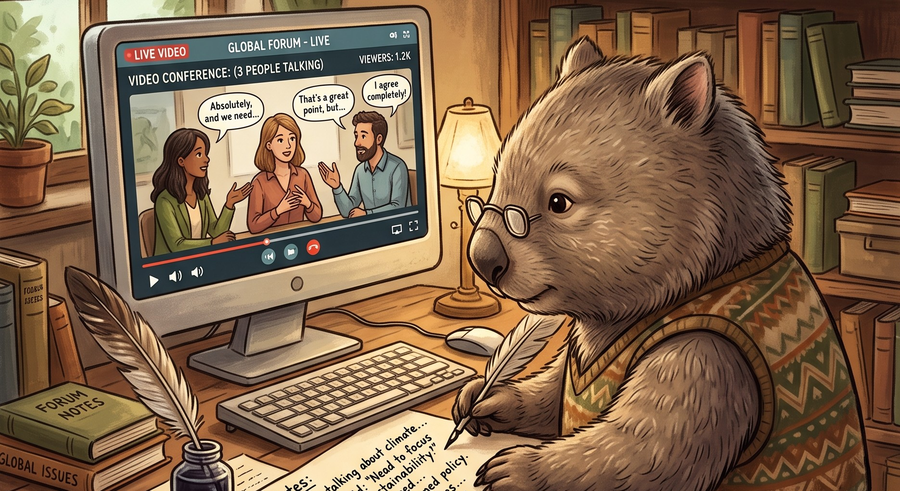
Turn an audio or video file into a downloadable text transcript.
Widely Optimised
Machine Brain Assistive Technologies
Turn an audio or video file into a downloadable text transcript.
Widely Optimised
Machine Brain Assistive Technologies
Record straight from your microphone - works on desktop and mobile browsers, no app needed. Tap Record and speak; the recording uploads to the server as you talk, a few seconds at a time, so nothing is lost if your connection drops before you tap Stop.
Say “memri” (or “memory”) right before a command word so it's recognized as an instruction, not text to type - e.g. say “...end of that thought, memri new paragraph, next I want to talk about...”. Same commands as the Memri Dictates desktop app.
memri new paragraph | starts a new paragraph (blank line between) |
memri new line | starts a new line |
memri exclamation | types "!" |
memri ellipsis | types "..." |
memri em dash | types "—" |
memri at sign | types "@" |
memri hashtag | types "#" |
memri asterisk | types "*" |
memri open quote / memri close quote | types “ ” |
memri caps on / memri caps off | everything said after "caps on" is typed in CAPITALS, until "caps off" |
Every file you've transcribed is kept here - download the transcript again, grab the original file back, rename an entry, or delete it for good. Transcripts are kept forever; original audio/video files are automatically removed after 7 days to save space (the transcript itself is never affected).
Pick an audio or video file and hit Transcribe. It's sent to a fast, GPU-accelerated transcription pipeline, then a plain-text transcript is ready to preview and download. Supported formats: MP3, FLAC, WAV, M4A (audio) and MP4, MKV, WebM, MOV (video).
Record straight from your microphone on the Voice Notes tab - no separate app needed, works in the browser on a phone or a computer. The recording uploads to the server as you talk rather than all at once at the end, so a dropped connection only loses the last few seconds, not the whole note. Tap Stop when you're done and it's transcribed the same way as an uploaded file.
Speaker labelling ([Speaker 0]: ...) for recordings with more than one
person talking is coming soon - temporarily disabled while we work through some hardware
limitations.
Every transcript you make is saved here, not just the one you're currently viewing - come back any time to re-download a transcript, grab the original file, rename an entry, or delete it. Transcripts are kept forever; original audio/video files are automatically removed after 7 days to save space (this never affects the transcript text itself).
Built by TechWombat · Rochman Reese